
Monero Mining Rig (XMR) – Asus Strix AMD Radeon R7 370 4GB 2500H/s
- Like
- Digg
- Del
- Tumblr
- VKontakte
- Buffer
- Love This
- Odnoklassniki
- Meneame
- Blogger
- Amazon
- Yahoo Mail
- Gmail
- AOL
- Newsvine
- HackerNews
- Evernote
- MySpace
- Mail.ru
- Viadeo
- Line
- Comments
- Yummly
- SMS
- Viber
- Telegram
- Subscribe
- Skype
- Facebook Messenger
- Kakao
- LiveJournal
- Yammer
- Edgar
- Fintel
- Mix
- Instapaper
- Copy Link
 In my previous tutorial i explained how to mine Monero (XMR) with CPU & GPU, this is good to mine with your personal PC or with a Monero mining rig.
Now, in this second tutorial about (XMR) Monero mining i will be using my 6x R7 370 rig and as always i will be using again ethOS to mine Monero (XMR), i still think that mining with ethOS is the best choice ever, they included this option in their latest update. If you are new at this, also new on this blog, you should take a quick read about my full tutorial about how to build a mining rig from zero, here is the link. This rig components are exactly what i have listed in that tutorial.
Let’s get started!
1 If you don’t have a rig yet and looking to make one check this two rigs that you can use to mine (XMR) Monero: 1. Asus Strix OC AMD Radeon R7 370 4GB or 2. Sapphire AMD Radeon RX 480 8GB, ill recommend to go with the RX 480’s or RX 470’s. 2 Now that you already have the Monero Rig ready we will need to install ethOS, click here for tutorial. 3 Make sure that you have the latest version of ethOS 1.1.8 (last checked January 15, 2017), if you don’t, then run the following command in terminal “sudo repair-ethos-update && sudo ethos-update && sleep 5 && r“, wait a couple of minutes and once the update is finished the rig will restart automatically. 4 Since we have everything ready all we have to do is to make the configuration in “local.conf” file. Type in terminal “nano local.conf” to access it. 5 First thing to add is the wallet key, if you don’t have one it can be created very easy with kraken.com, i recommend to use kraken for all of you wallet keys.


9 Here is my rig running with stock settings running with around 2000H/s !


I tried to increase the clocks but the maximum i could get was globalcore 1150 & globalmem 1500 with no mining difference.
So the best i can get with the Asus Strix AMD Radeon R7 370 4GB is 2500H/s, 418H/s per card, profit ratio per day 117%, profit per month $60.63, mining XMR 10.71. (Calculated for 1 XMR = $ 10.44, network hash rate of 45 MH/s, reward is fixed at 9.00032099662 XMR, block time 120 seconds, electricity price used $0.11 per kWh)


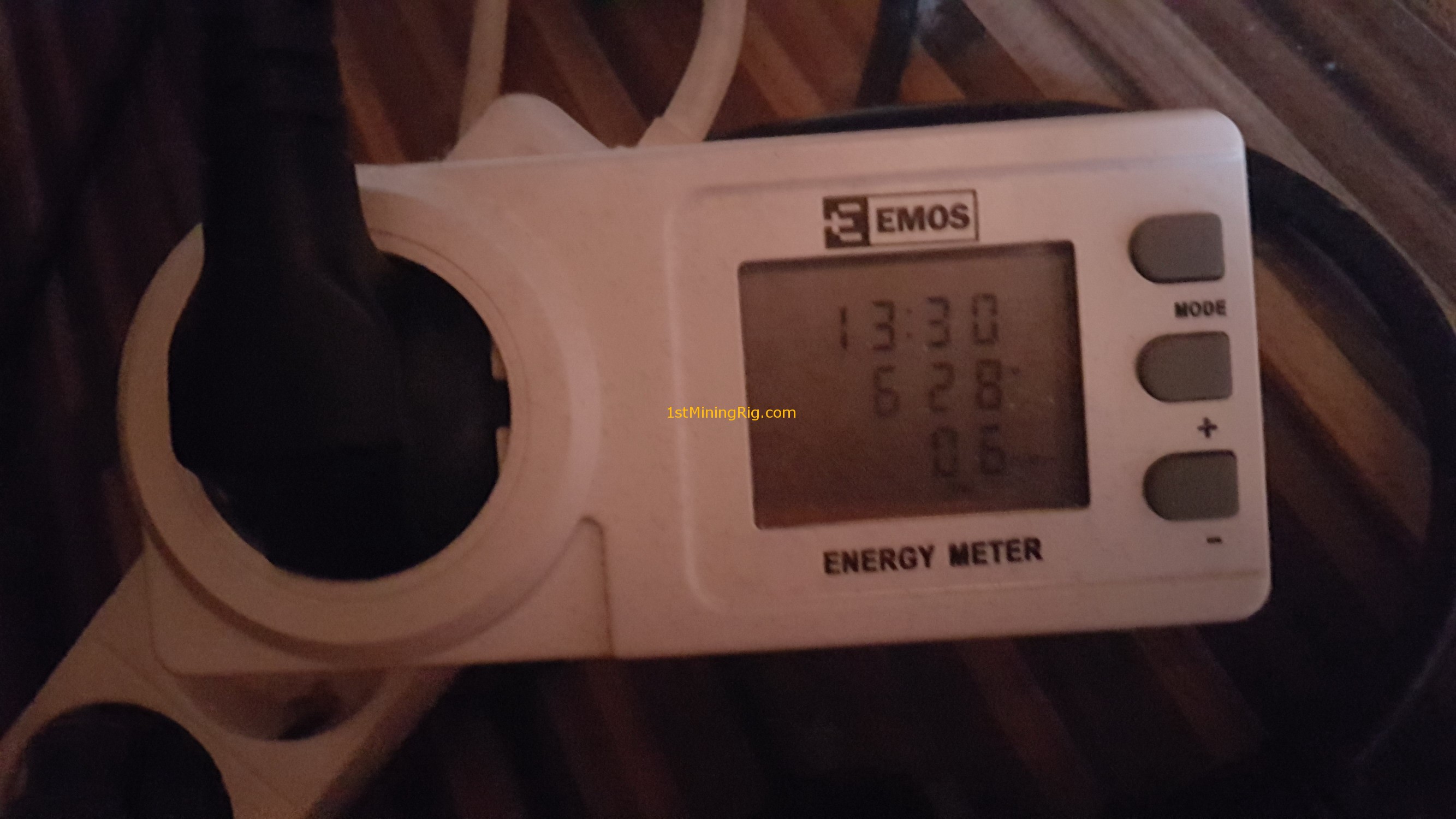
Ill be back with updates, have fun!
[cp_modal display="inline" id="cp_id_e9e92"][/cp_modal]



Hello, I have set up a miner rig and these are the specs (AMD A4-3300 – Mother Asus a55m-vs with a gpu RX 480 8gb Nitro +. My question is this: Do I need to change my CPU and mother?
Hey Agustin, Are you going to add more than one GPU ?
No! This motherboard only supports a single gpu. In the future with the profits I intend to invest in another rig with more than one gpu.
Then you can go with what you have:)
Thanks 🙂
Great Site… its just what I’ve been looking for. Would I take a rig setup for Ethereum (6 cards to do 165Mh/s) and then switch it over to do Monero? Obviously if there is more profit in Monero
What Changes would you make to these Recommendations today?
Thanks
how much VGA to get 2700 hs?